Features
What PropertyFlow does, grouped by what it solves.
We start with what our customers use most: photograph a receipt and have it file itself. Underneath, real books and reports anyone can read.
Capture and accounting
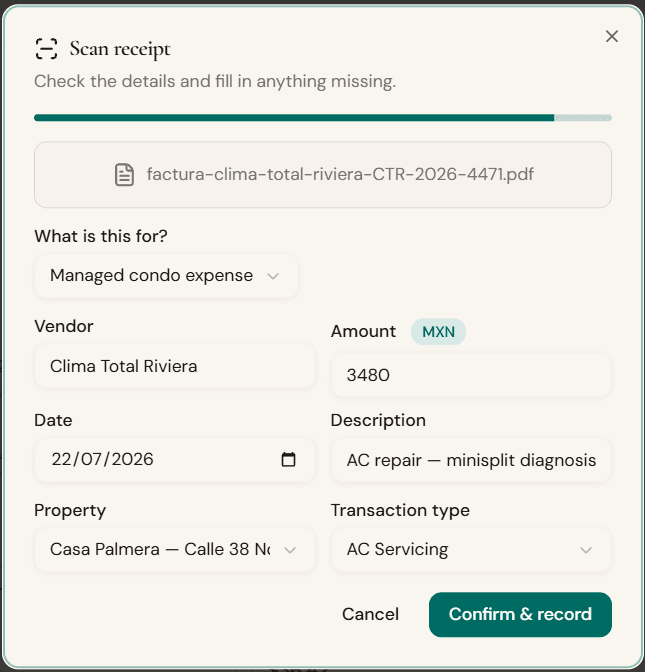
Receipt scanning
Photograph a receipt and PropertyFlow reads the amount, the vendor, what you bought, and which property or building it belongs to; it files itself.
Transactions
A peso-native income and expense ledger, with every entry tagged to its property or building.
Accounting
Real double-entry books under a simple surface, built for people who aren't accountants.
Reports
Financial reports detailed enough to inspire confidence and clear enough for anyone to read.
Owners and transparency
Owner statements
Monthly per-owner reports, clean enough to send without a follow-up call.
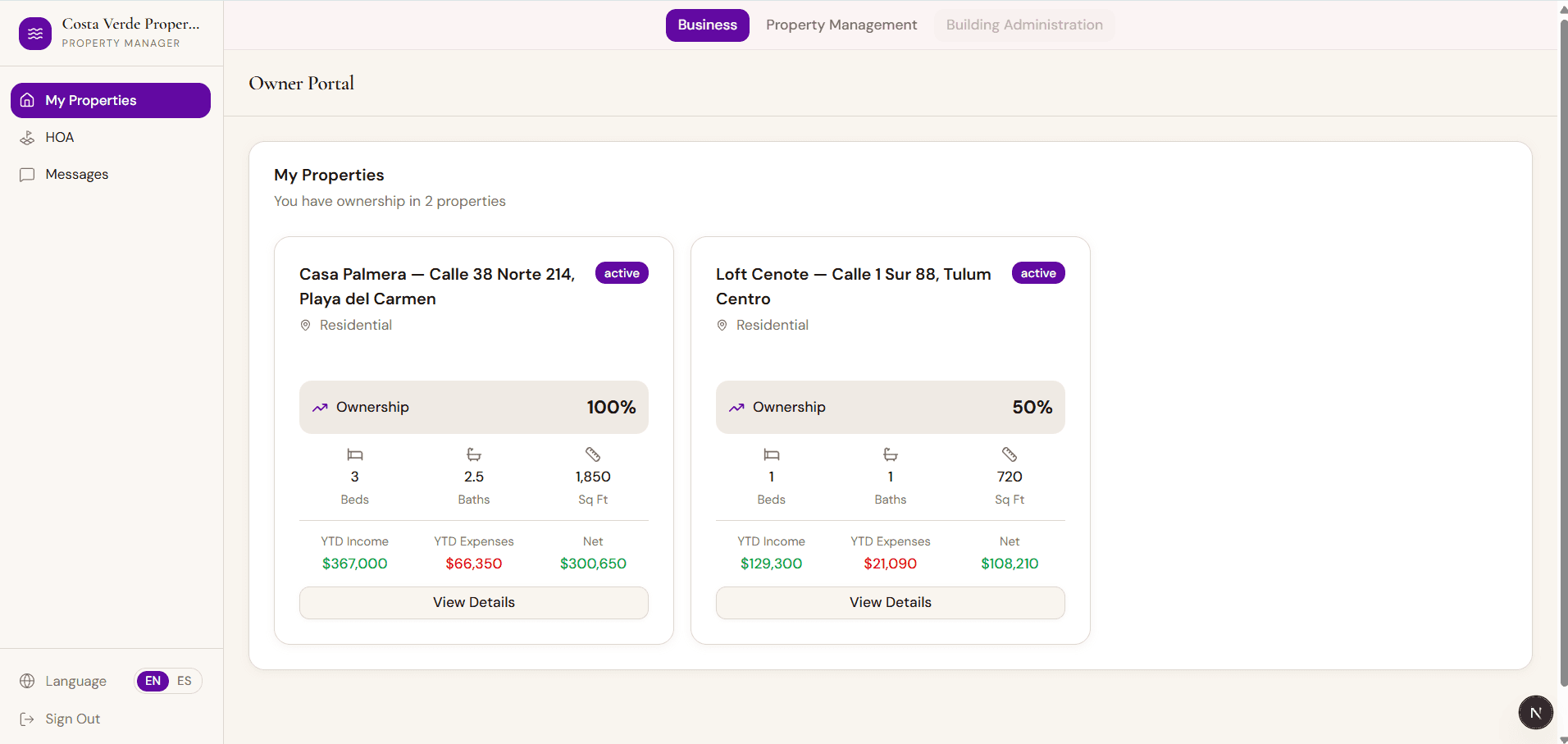
Owner portal
Each owner logs in and sees only their own properties, finances, and documents.
Documents
Files and paperwork, attached to the property or building they belong to.
Messages
Operations messaging between the manager and owners.
Vacation rentals
Properties
Manage rental units and their owners.
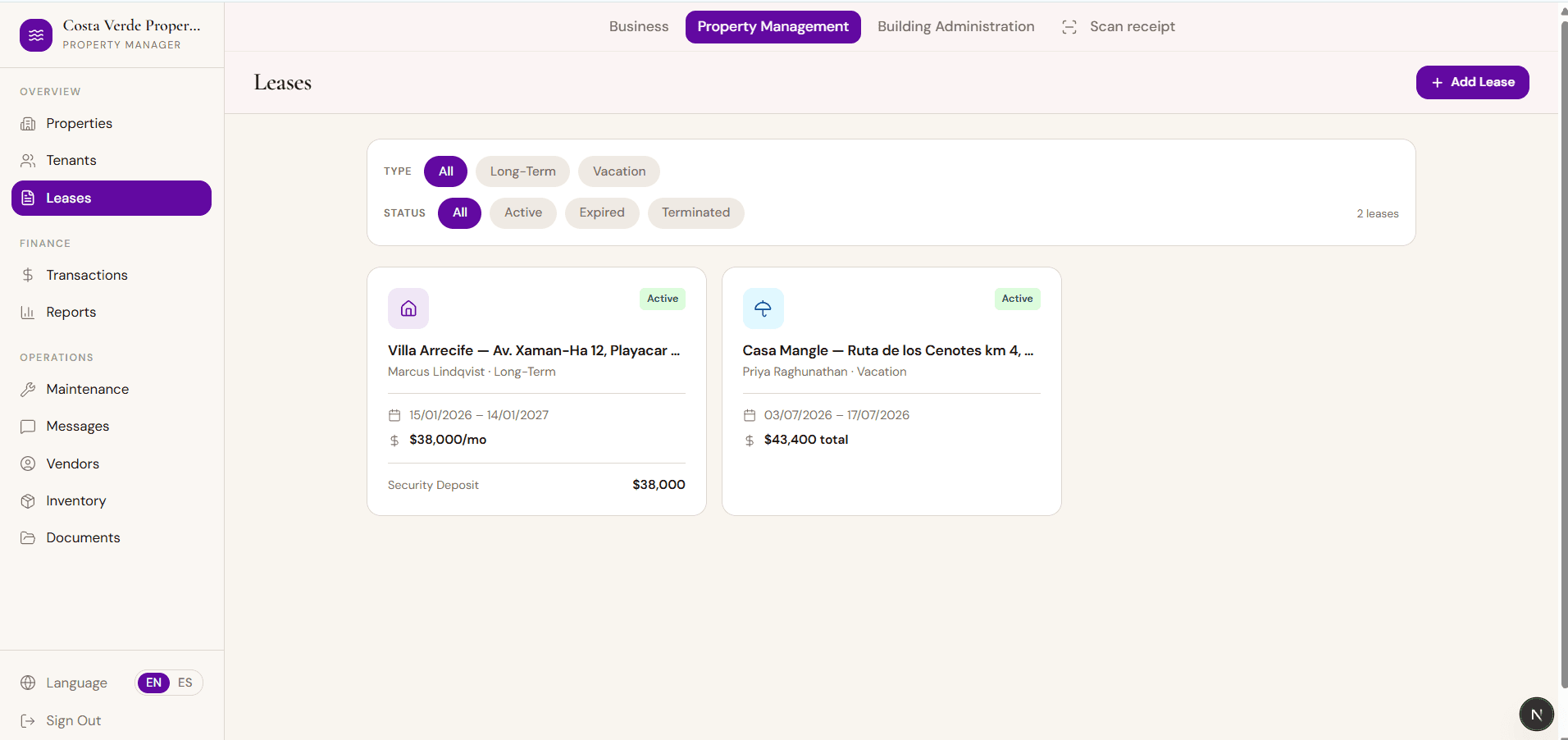
Tenants & leases
Track tenants and active and past leases.
Inventory
Track stock and supplies.
Condominiums
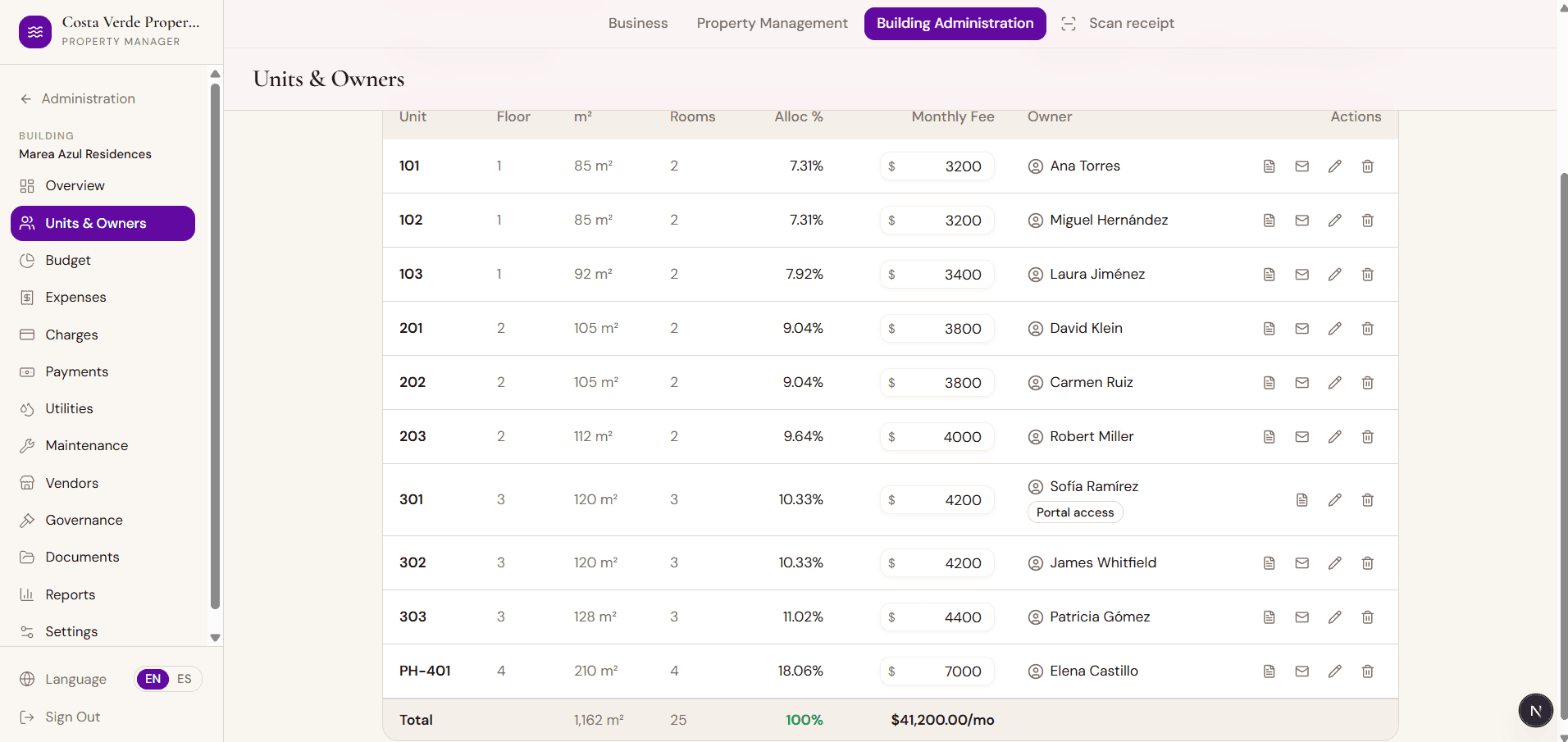
Condominio administration
Multi-building: units, owners, budgets, and governance.
Maintenance fees
Record, charge, and reconcile recurring fees per unit.
Special assessments
Track each owner's contribution and spending against an approved fund.
Budget
Budget vs. actuals, per building.
Governance
Assembly and committee records per building.
Utilities
Per-unit utility tracking and allocation.
Operations and vendors
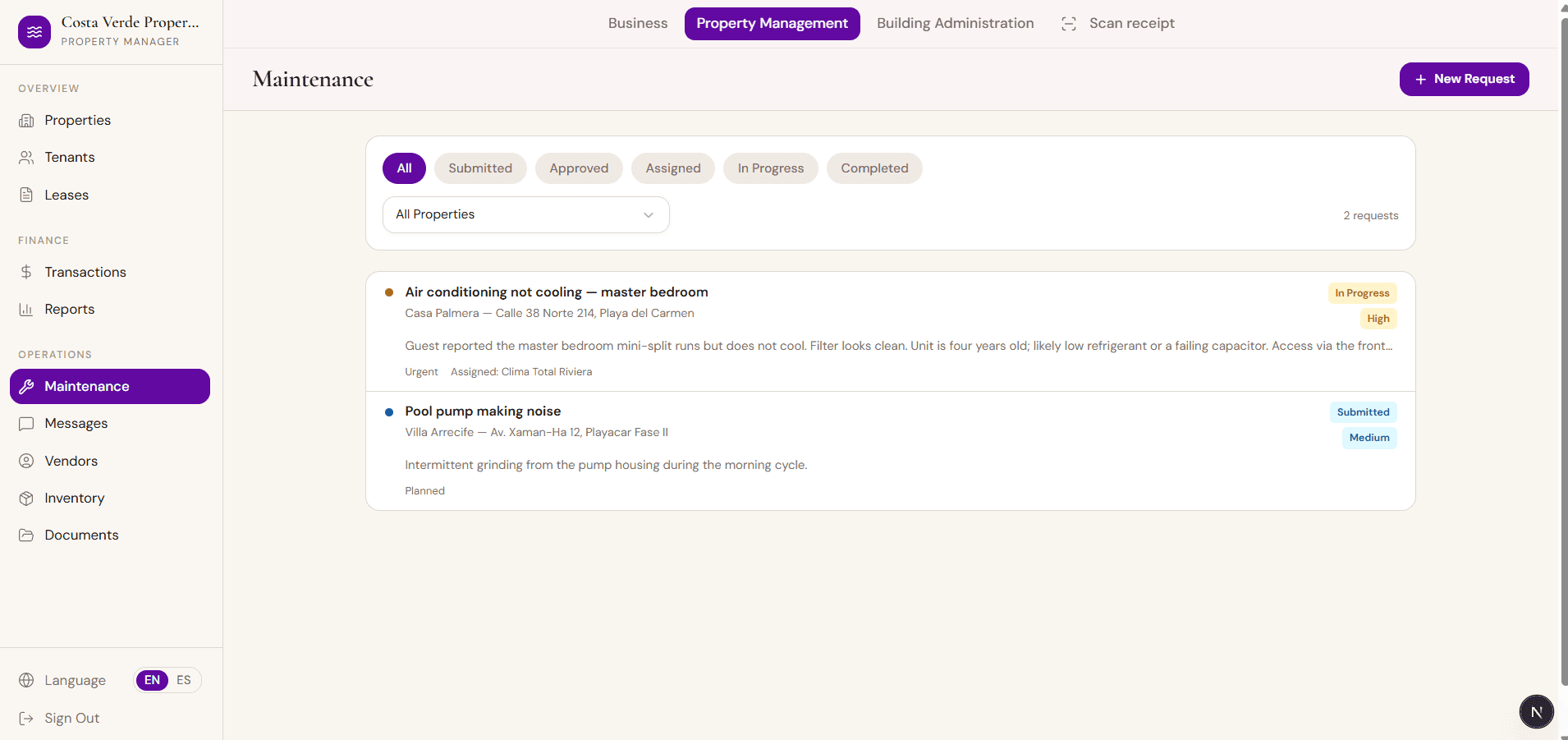
Maintenance
Work orders and service tracking.
Vendors
Service-provider directory and history.
Your account
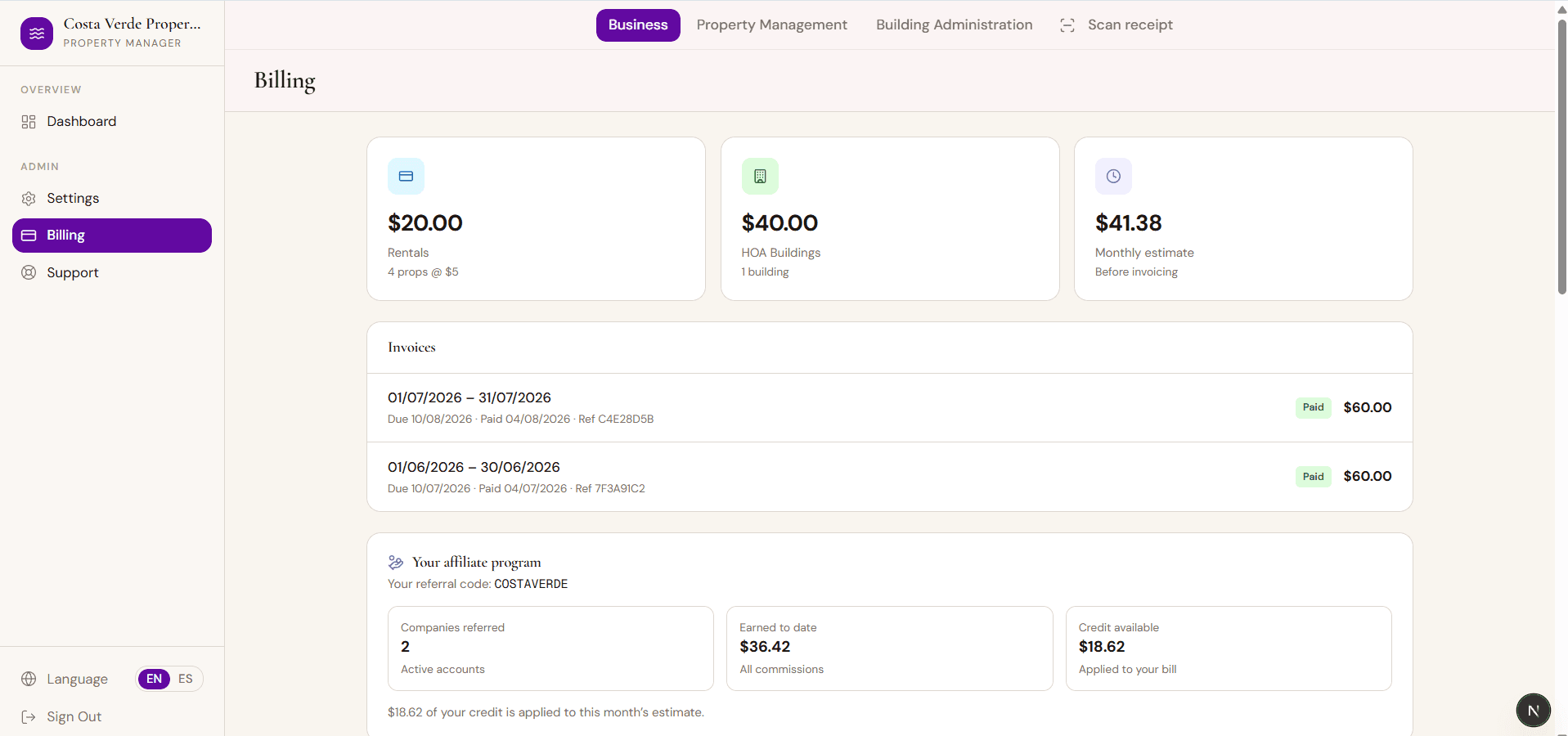
Affiliate program
Refer PropertyFlow and earn credit for every customer who gets billed.
Billing
Your subscription status and invoices.
Ready to see it with your own numbers?
We'll walk you through PropertyFlow with a real example in a short demo.